I am sure many of you ran into the following error-codes - BX-IGWYLP, BX-MRKFXFETC or BX-XYKW2L - while attempting to install custom XML Blogger templates. So I recently set up a
Sandbox to resolve this issue, once and for all. After installing more than 300 custom templates, this is what I found:
Most of the time, the problem is
not with the
new template, but with the
current template. Let me explain.
Every time you attempt to install a new template, the template manager will ask you to CONFIRM whether particular widgets relating to your
previous template should be deleted.
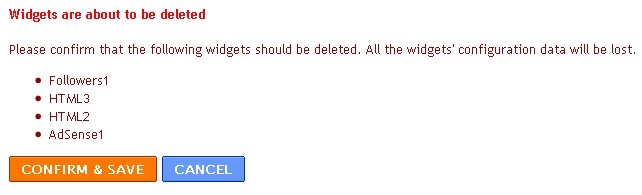
Widgets from the above-example, include Followers1, HTML3, HTML2 and AdSense1. This is correct, and installation should be flawless. However, from time to time you will notice the following:
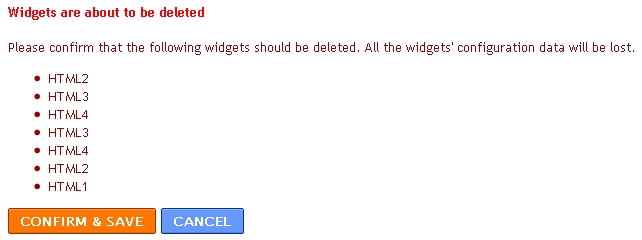
Widgets from the above-example, include HTML1, HTML2, HTML3, HTML4, and another HTML2, HTML3, and HTML4. This is wrong, and the installation will fail.
It seems like some template developers manage to get their wires cross, duplicating widgets. Templates that cause this problem include the following:
I will see what I can do to fix these issues, and forward the updated templates to their respective authors.
Solution
1. Go to the LAYOUT TAB and select PAGE ELEMENTS.
2. Now EDIT and REMOVE every page element one by one.
3. Click on the POSTING TAB.
4. Go back to the LAYOUT TAB and select EDIT HTML.
5. Now attempt your installation.
Commenting
If this post was at all helpful, please leave a comment.
In conclusion, if you're still struggling, here's my offer. You are free to
contact us for assistance, but in return we require
a backlink to SohoISP.